Editing your CV by AI chat — which tools take free instructions?
Updated:
In short
Of the eight tools checked here, four accept a freely typed instruction — SwissJobs.app, Enhancv, Copilot in Word and general chatbots such as ChatGPT. Four have AI but only as a fixed menu you click: cvswiss.ch, bewerbung.ch, Kickresume and Teal. The dividing line is not how good the AI is; it is whether there is anywhere to type a sentence the vendor did not anticipate. Checked 4 September 2026.
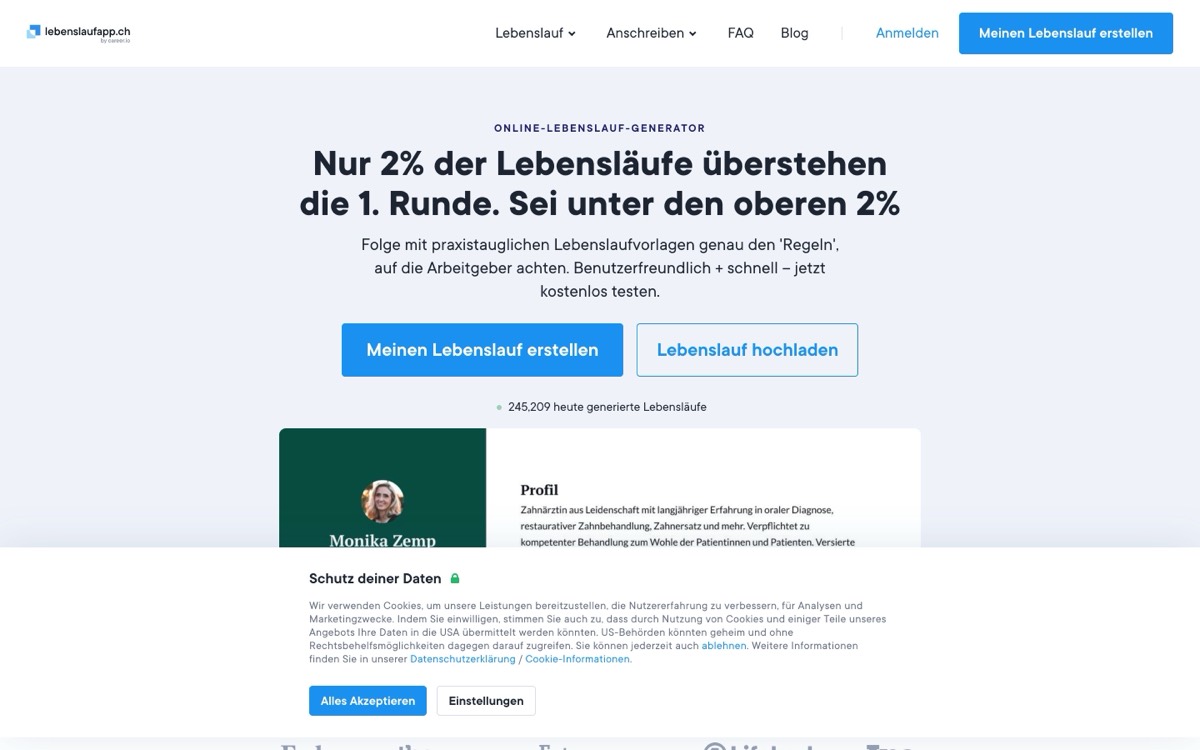
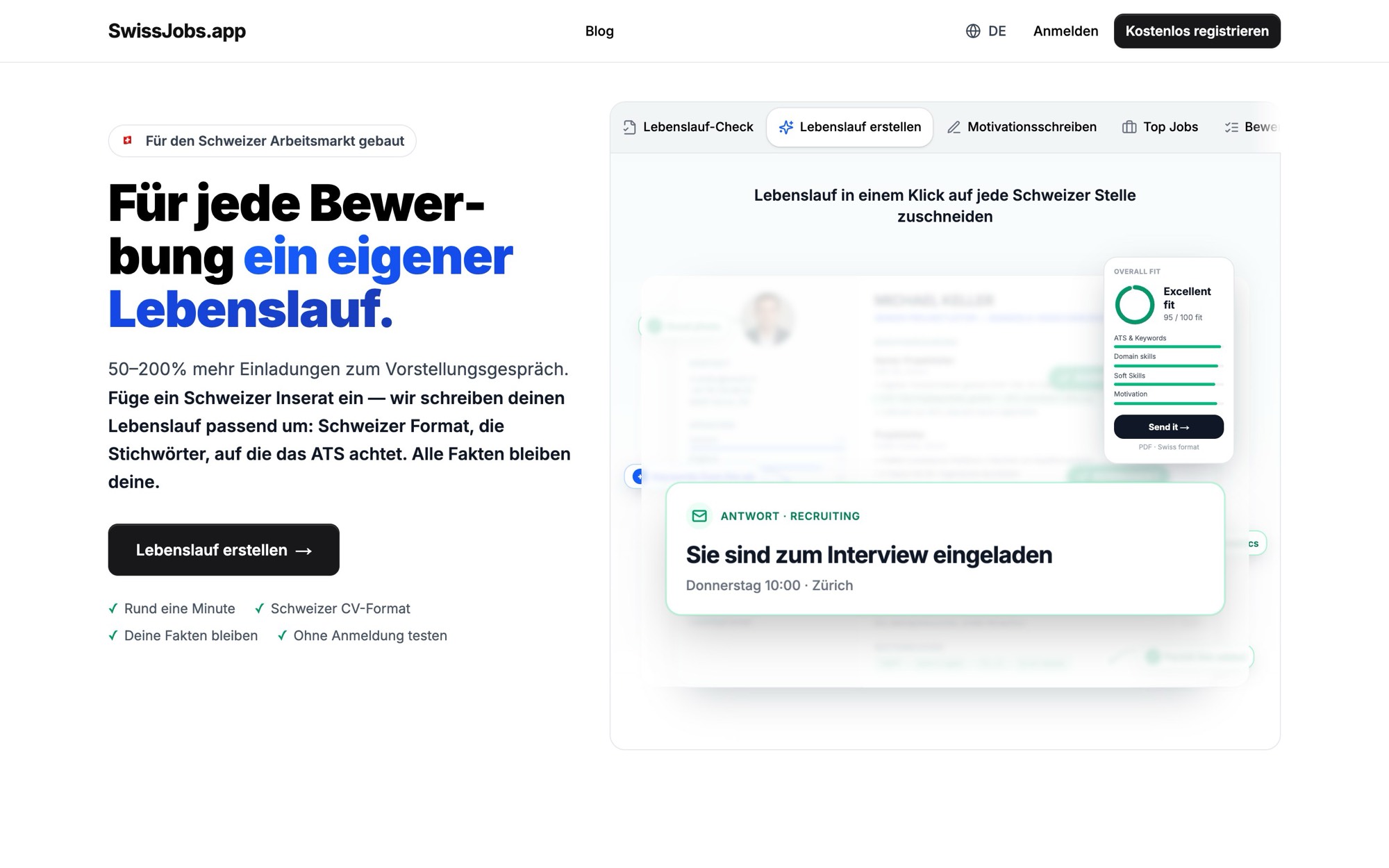
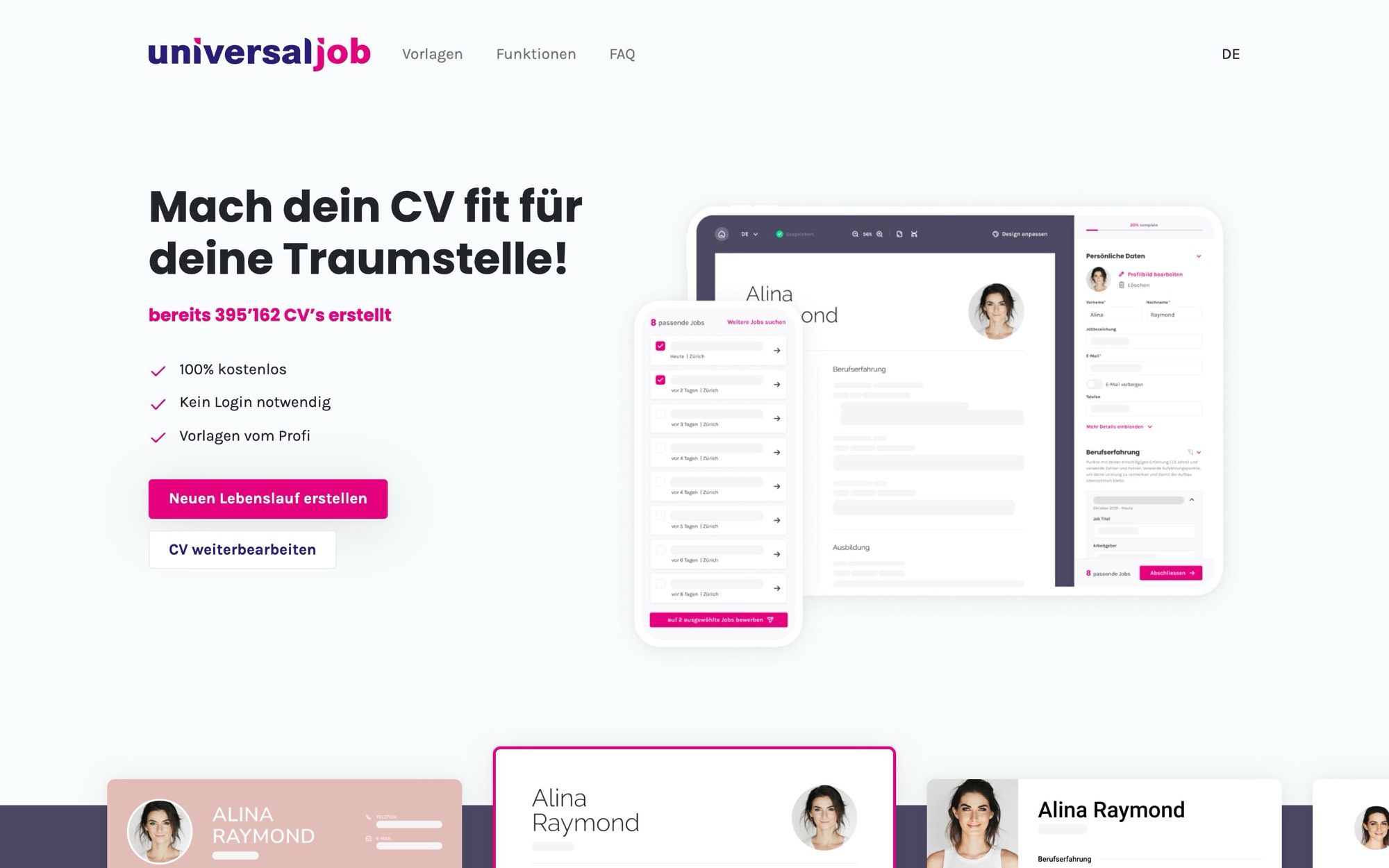
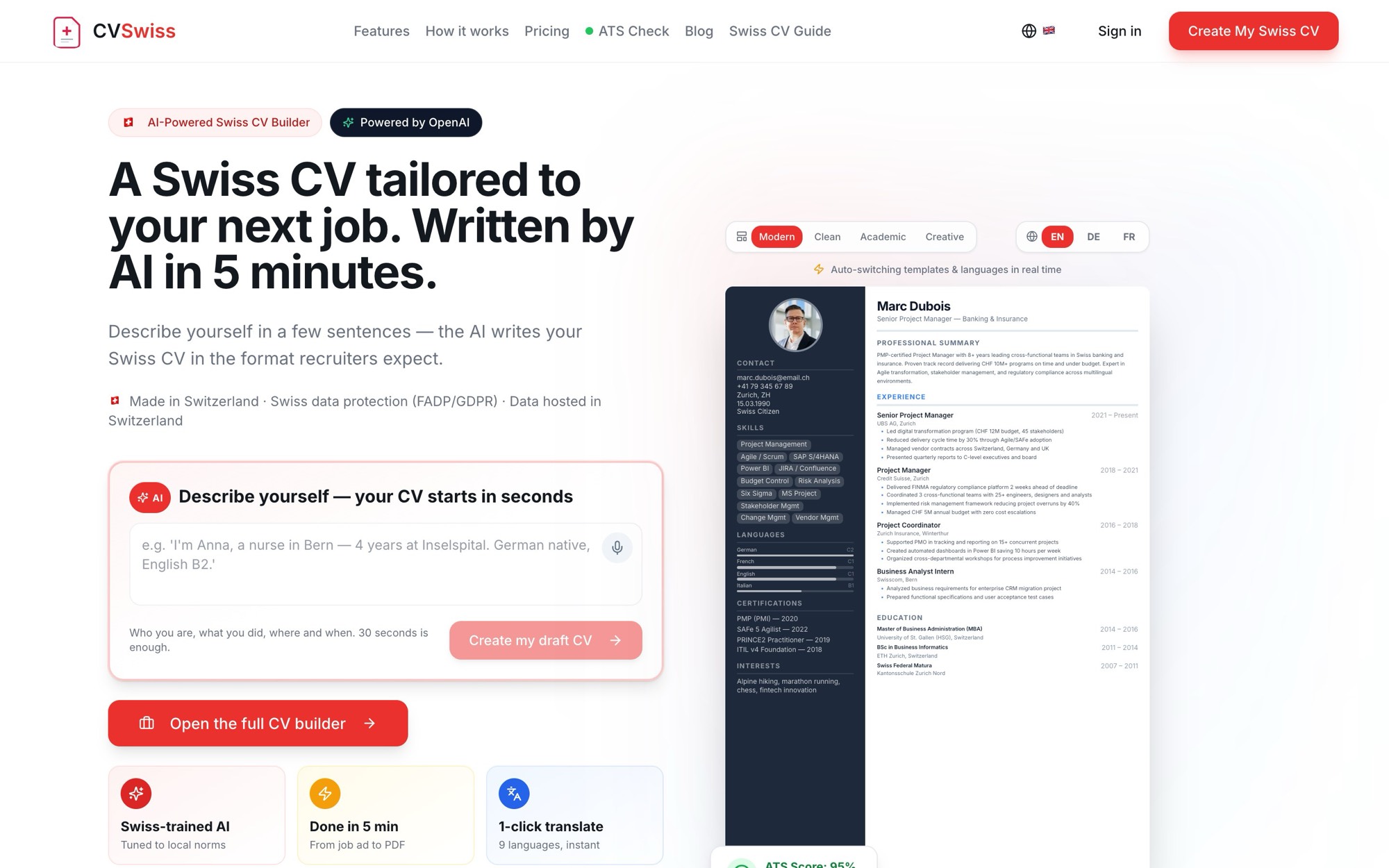
The tools’ landing pages compared
All captured on 4 September 2026 at the same window width, so the comparison is fair.
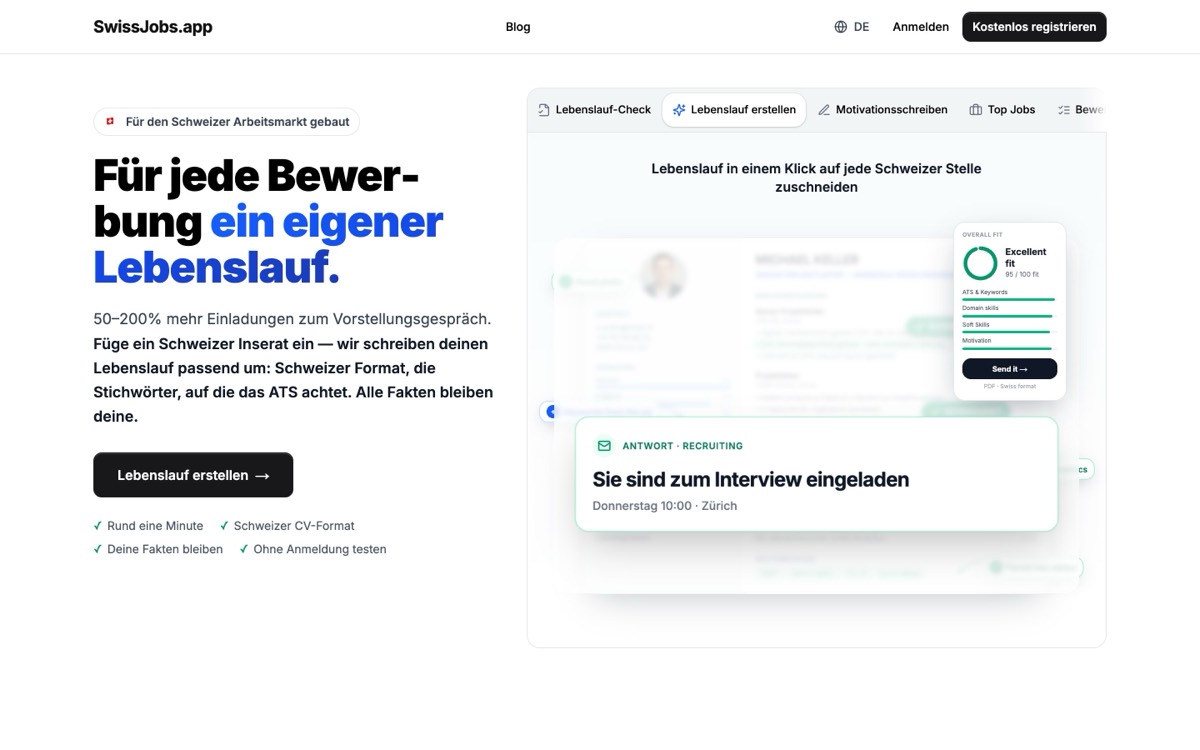
1. SwissJobs.appOur app
Add your current CV and a Swiss advert, AI writes one tailored to it. Free to start, no signup.
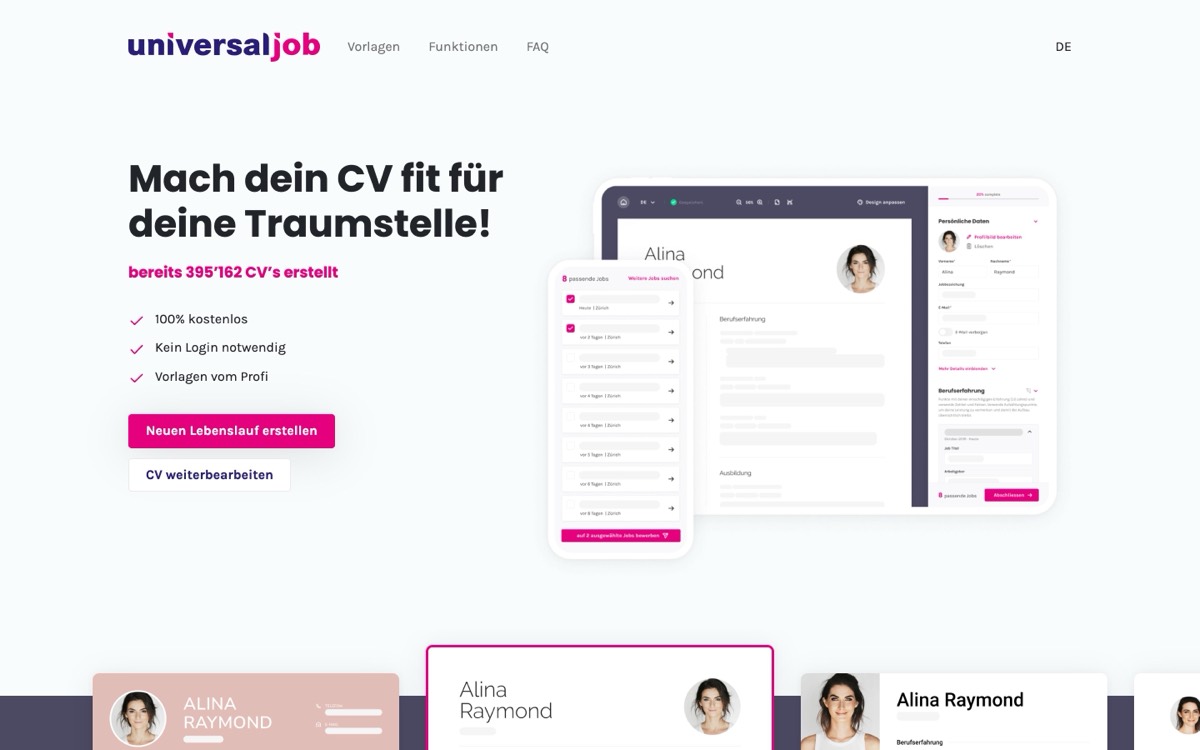
Free, but you write the whole CV yourself in an empty form. Every line from scratch, no AI help.
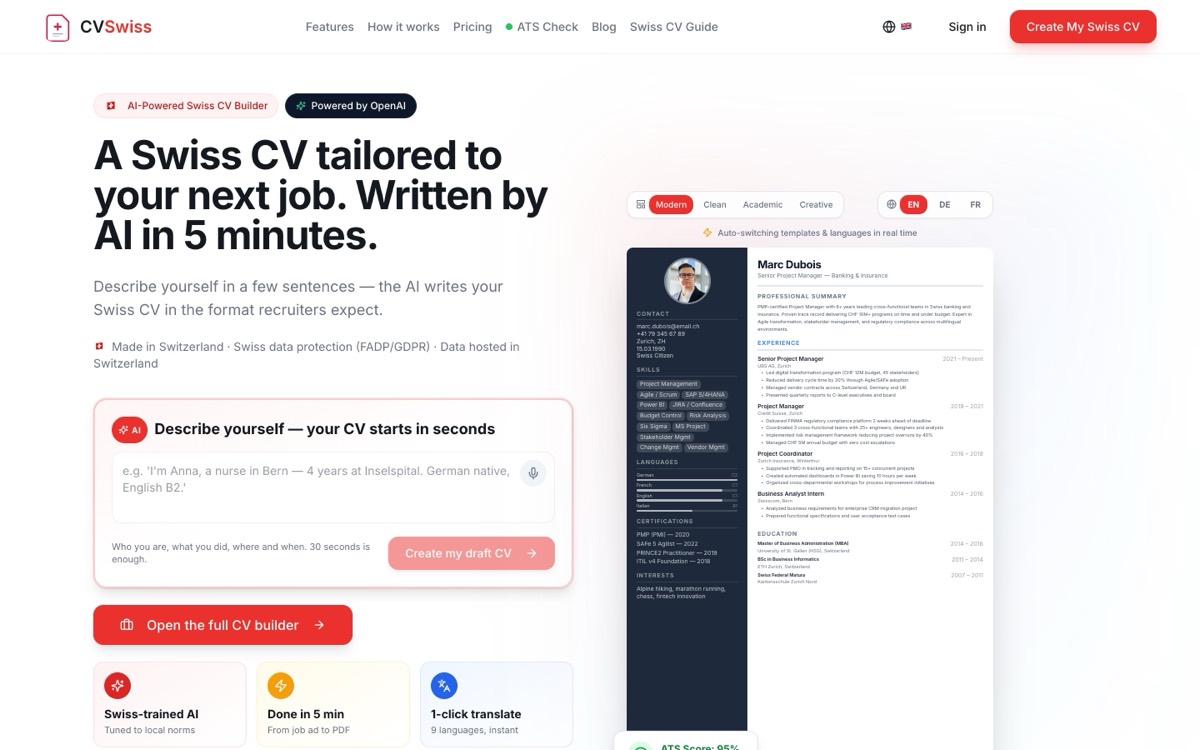
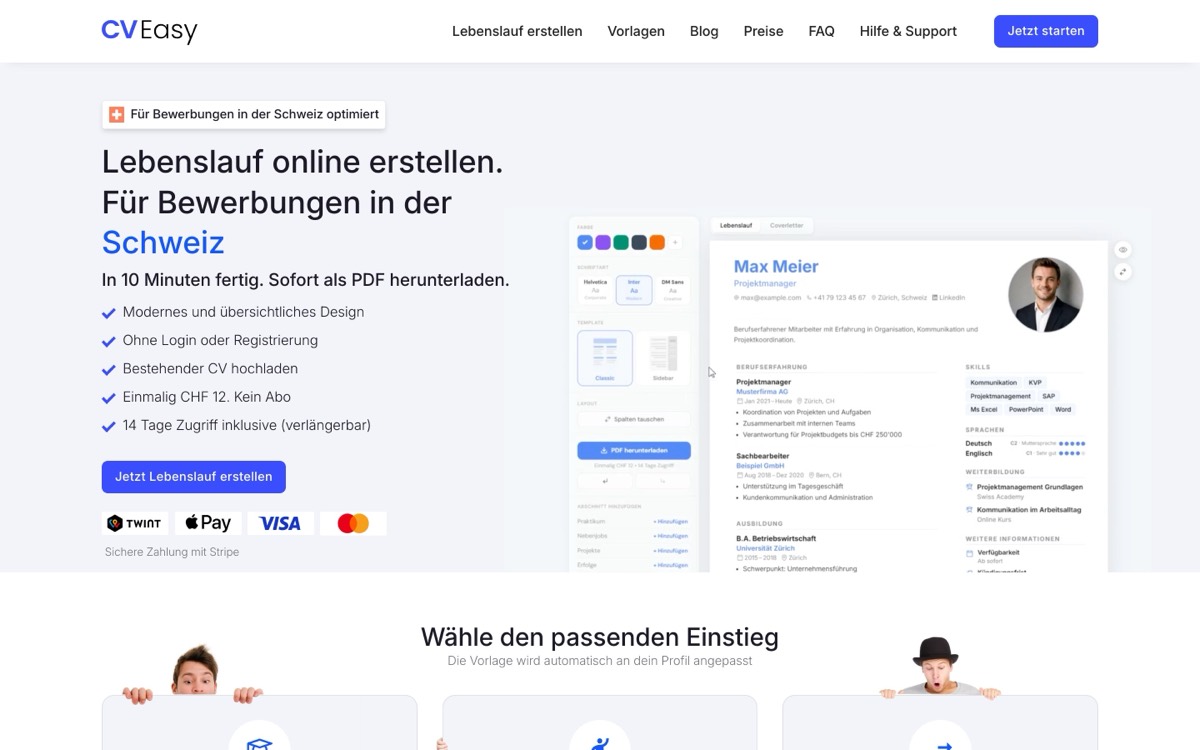
That sounds like a question of convenience and is in fact the decisive one. A button can only do what is on the list — "optimise CV", "rewrite bullet", "generate summary". What you actually want at eleven at night, twenty minutes before the deadline, is rarely on it: shorten the third role because it was an internship, drop the photo because this employer clearly does not expect one, move the language section above education, put the whole document into French because the job is in Lausanne. One instruction field covers all of that. A menu covers none of it.
A second line runs across the first, and no pricing page mentions it: where does the change land? With ChatGPT you get text back and have to carry it into a layout yourself. With Copilot in Word it lands in the Word file you already have open. With SwissJobs.app and Enhancv it lands in the CV you are looking at, in the place you meant. That is where "we have AI" and "the AI edits your document" stop being the same claim.
Only the tools that accept a freely typed instruction. Prices read on the vendors’ own pages on 4 September 2026; Enhancv bills a Swiss visitor in francs, converted to one month from the quarterly price. Tools with a button-only menu are absent because they do not answer this question.
- The comparison table, read across as: tool — does it take a freely typed instruction · what the AI does instead · where the change lands · price · languages. All read on the vendors’ own pages on 4 September 2026.
- SwissJobs.app — free instruction: yes, a field labelled "AI instruction" with the placeholder "Ask something or describe a change…" · alongside it: first generation from the job advert, restructuring, translation, and manual typing straight into the document · the change lands in the CV on screen and is kept as its own restorable version · CHF 15 a month or CHF 95 a year after seven free days; the free account allows 5 AI instructions a day and 10 per rolling week · German, English, French, Italian.
- Enhancv — free instruction: yes, and they say so: "you type what you want in plain language and the edits appear inline" · alongside it: preset actions as clickable chips, an ATS check, one-click tailoring to a posting · the change lands inline in the section you are in · free plan valid seven days with Enhancv branding, Pro Quarterly CHF 41.99 billed every three months · German, French and Italian marketing pages exist.
- bewerbung.ch (BeKI) — free instruction: no · alongside it: six named applications including "optimise CV" and "short profile", each behind a BeKI button that appears while you are entering text · the change arrives as a suggestion you review and accept · one credit per AI application, three credits free with an account, 10 credits CHF 5, 25 credits CHF 10 · German only, the French, Italian and English paths all answer 404.
- cvswiss.ch — free instruction: no · alongside it: "Write keywords, get polished professional bullet points", plus tailoring from a pasted job advert · the change lands in the form-based builder · single CV CHF 5 one-off, carrying their own line "No edits after download", subscription CHF 15 a month · output in German, French, Italian and English.
- Kickresume — free instruction: no · alongside it: an AI Resume Writer that works from your job title and the advert; if you are unhappy their own page says "simply ask the AI to do it again", which is regeneration, not instruction · the change lands in the section you regenerate · free tier with four templates, Premium EUR 24 monthly, EUR 54 quarterly, EUR 96 yearly · German and Italian sites exist, the French path answers 404.
- Teal — free instruction: no · alongside it: AI credits for named operations, "Resume Bullets" and "Professional Summary", ten credits on the free plan · the change lands in the field that spent the credit · Free Forever or Teal+ at USD 13 per week · English only.
- Copilot in Word (Microsoft 365) — free instruction: yes — draft, rewrite and chat inside the open document · alongside it: nothing application-specific; Word does not know it is holding a CV · the change lands in your own Word file · Microsoft 365 Single CHF 9.95 a month or CHF 99.95 a year · every language Word ships in.
- ChatGPT and other general chatbots — free instruction: yes, without limit · alongside it: everything that is language and nothing that is layout · the change lands in a chat window you copy out of · a free tier exists · practically any language.
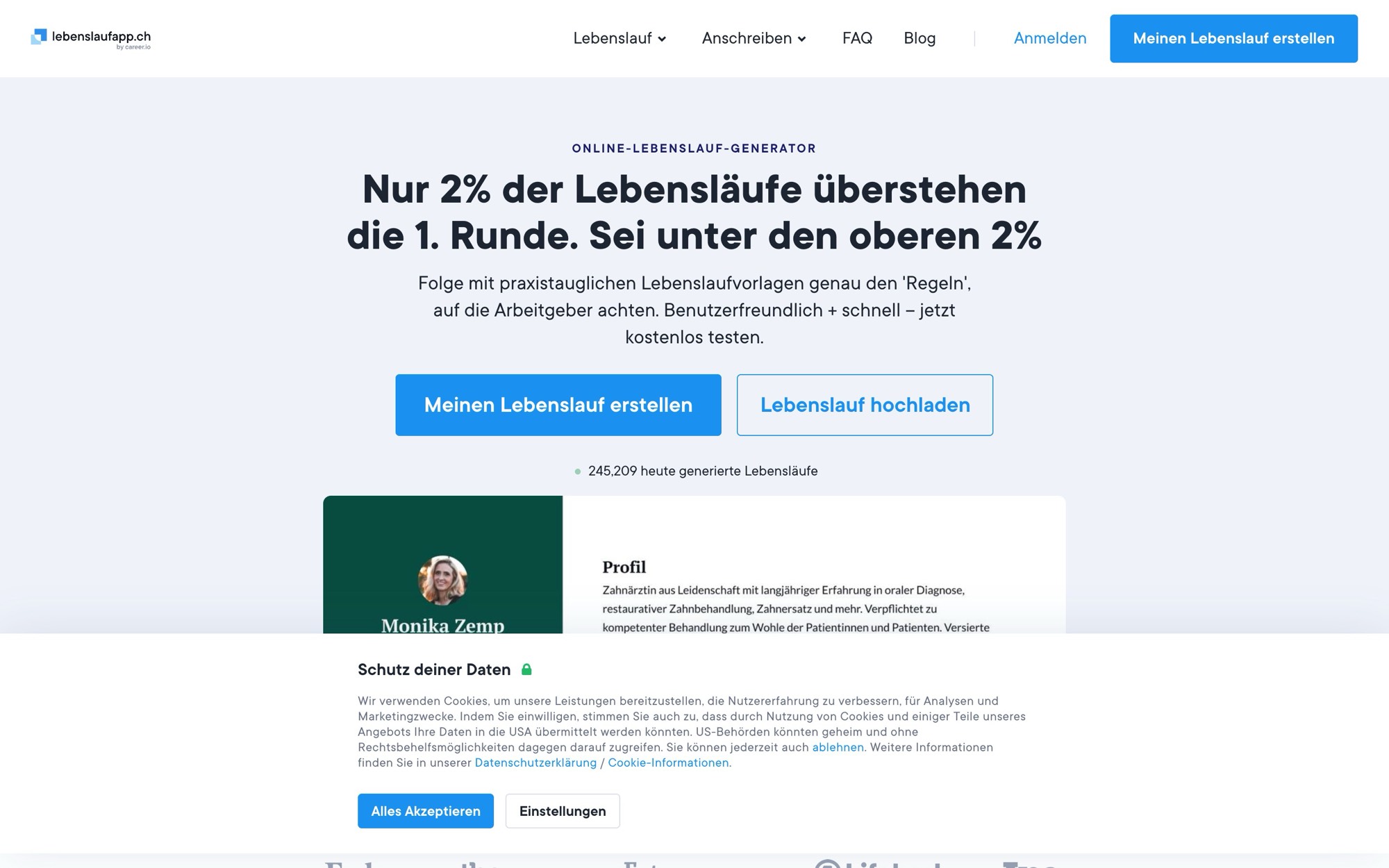
- lebenslauf.ch — free instruction: no, and no AI at all · alongside it: typing straight into the document, "edit without a form", with colour, font and ordering on buttons · the change lands wherever you clicked · free, no login · German; the French and Italian paths answer but serve the identical German page.
Who to choose
The other tools here are real and good at what they do — the table says what each is for. The reason we lead is one row in it: the job index is our own, so the advert is already there.
Choose lebenslauf.ch if
lebenslauf.ch — 100 per cent free and with no login at all, if a clean CV is enough and no account should be created.
Choose SwissJobs.app if
Pick the job directly — You choose the posting from our own Swiss index, and the CV, letter and check are written against exactly that text — no searching, no copying.
Four tools, not one — CV, motivation letter, CV check and interview prep from one account, on the same data.
The RAV sheet — Job-search efforts from the tracker, printed on the official SECO form. None of the other tools in this list has it.
Start without an account — Open it and write without signing up; the account is asked for to save and from the second document.
CHF 15 a month, seven free days first — Full access during the trial, cancel monthly, billed in francs — no four-week periods, no exchange-rate risk.
The tools compared directly
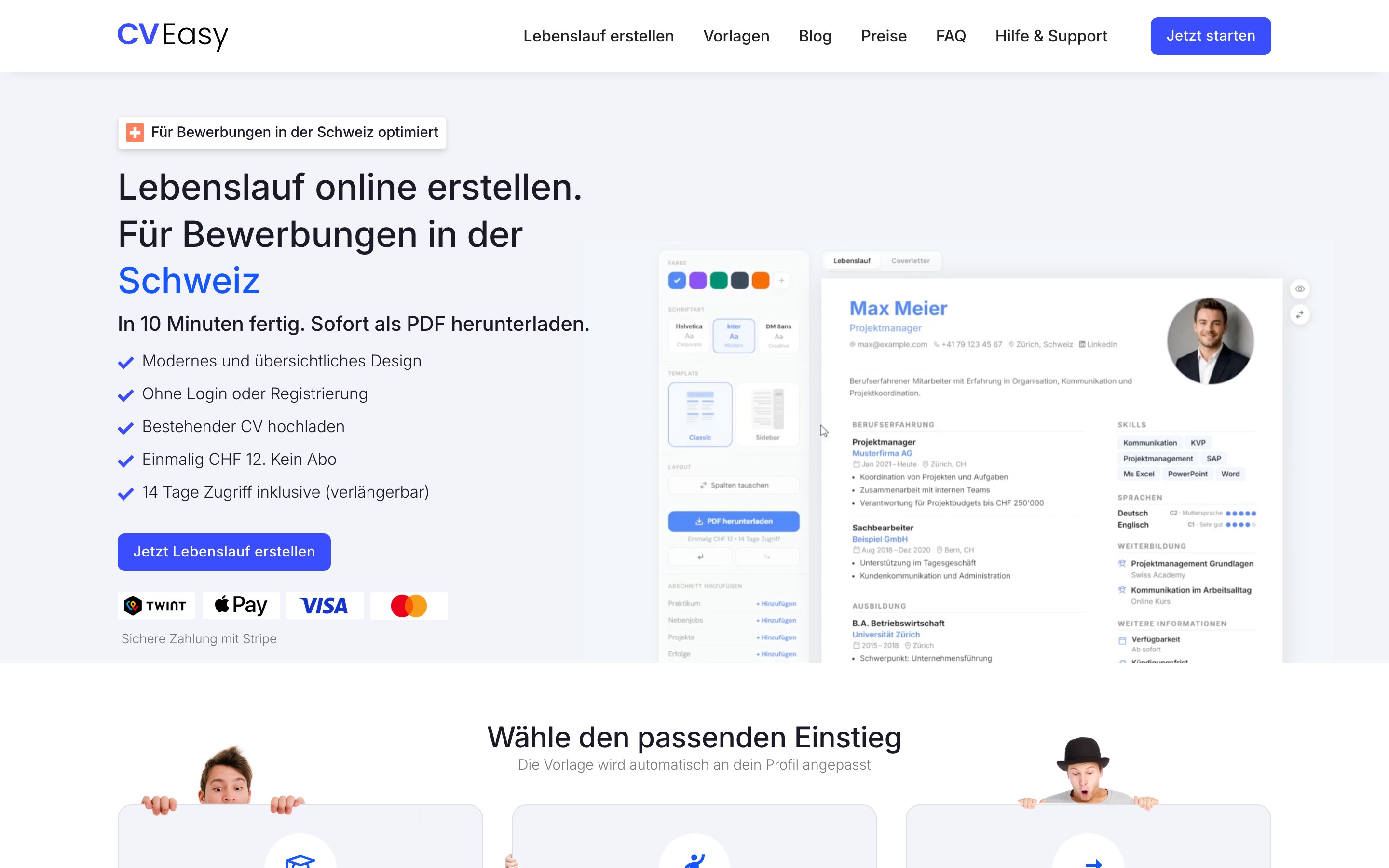
| Criterion | SwissJobs.app | lebenslauf.ch | cvswiss.ch | cv-easy.ch | careerkit.me | Canva | Europass |
|---|---|---|---|---|---|---|---|
| Price | CHF 15/Mt · CHF 95/J | free | from CHF 15/mo | CHF 12 one-off | USD 2.95/Mt | n/s | free |
| Usable without an account | Yes | Yes | n/s | Yes | n/s | n/s | n/s |
| PDF without watermark | Yes | Yes | Yes | Yes | Yes | n/s | Yes |
| Word / DOCX export | Yes | n/s | n/s | n/s | n/s | n/s | Yes |
| AI tailors to an advert | Yes | No | Yes | No | No | No | No |
| Advert from its own job index | Yes | No | No | No | No | No | No |
| Swiss conventions | Yes | Yes | Yes | Yes | No | No | No |
| CV check against an advert | Yes | No | n/s | No | No | No | No |
| Motivation letter | Yes | No | n/s | Yes | n/s | n/s | No |
| Application tracker | Yes | No | No | No | No | No | No |
| RAV form (SECO) | Yes | No | No | No | No | No | No |
| Own job index | Yes | No | No | No | No | No | No |
| Languages | DE/EN/FR/IT | DE | DE/EN/FR | DE/FR/EN/IT | DE/EN | many | 31 languages |
| Built in Switzerland | Yes | Yes | Yes | Yes | No | No | No |
As of 4 September 2026. Every figure for another tool comes from that tool's own site; "n/s" means it was not readable there — not that the feature is missing. Our row comes from the code and from walking the live flow.
Button or instruction — the difference no pricing page prints
Almost every CV tool now sells "AI". On a pricing page that is one line with a tick, and the tick hides two entirely different products. One is a menu: the vendor has anticipated a handful of operations, you trigger one, the AI performs it. The other is a text field: you describe in a sentence what should be different, and the tool has to work out for itself which part of the document you meant and what it should look like afterwards.
bewerbung.ch shows the first kind most honestly. Their AI is called BeKI, and the how-it-works section on their own information page is four steps: BeKI is available in many places, you click the BeKI button while entering a text, BeKI automatically produces a suggestion, you check it and accept it. That is cleanly built and completely transparent — and there is nowhere to write anything that is not one of the six intended applications. The sentence "shorten the second role and move education down" has no field there.
Enhancv turns exactly this distinction into its sales argument, in so many words: other builders send you to a separate interface or offer a fixed menu of preset prompts, while with them you type what you want in plain language and the edit appears inline in the right section. So you do not have to guess which kind of field you are looking at. The vendors that have the second kind say so.
What this means if you are applying to Switzerland from outside it
Most of the tools that take free instructions are international, and that is precisely where the trouble starts for a Swiss application. A Swiss dossier is not a US resume. Employers expect Arbeitszeugnisse (the written employer references you collect from every job), a photo is expected here where Germany and the UK discourage one, applicants without a Swiss passport name their permit on the page, language skills appear as CEFR levels — B2, C1 — rather than as "fluent", workload is a Pensum expressed as a percentage, and two pages is normal rather than a failure of discipline.
An instruction can only produce what the tool has a place for. Type "make this a Swiss CV" into an international builder and you will get a competent English rewrite of an American document: no permit line, because there is no field for one; language levels on a five-point beginner-to-native slider, because that is what the data model holds; no Pensum, because the concept does not exist in it. The assistant is not failing — it is faithfully editing the wrong shape of document.
The other trap is language. The instruction and the document are two separate languages, and tools differ on both. bewerbung.ch is German only: its French, Italian and English paths return 404. lebenslauf.ch answers on its French and Italian paths and then serves the German page. Kickresume has German and Italian sites but no French one. If you are applying across the language border — from Zurich to Geneva, or into Ticino — that matters more than any feature row.
SwissJobs.app
The editor puts the document on one side and, on the other, a panel headed "Edit your CV here" with the subtitle "Tell the AI what to change" and the placeholder "Ask something or describe a change…". What you type is not restricted to a list. It may also be long: one instruction accepts around thirty thousand characters, comfortably a full Swiss job advert plus the sentence saying what to do with it. Up to four attachments travel with an instruction — documents to 10 MB, images to 4 MB — and an uploaded image can be placed at a specific point in the CV by asking for it.
Underneath, the edit runs in two passes, and the second is why blunt instructions still work. First a fast pass locates the affected passages and replaces them precisely — the "shorten the profile" case, where everything else must stay untouched. If the instruction instead requires rebuilding the whole document, a translation or a new order of sections, it is handed to a second, more thorough pass that rewrites the file end to end. From your side both are the same typed sentence.
Two properties matter more than they sound. Every instruction is saved as its own version and listed with the line "Instruction (from your message)", so a rebuild that went wrong can be rolled back without starting over. And manual edits you typed straight into the document travel with the next instruction, so the AI works on what is actually on screen rather than on the last saved state. Tools that keep AI and hand-editing in separate modes lose exactly that.
The limitation belongs here too. The editor opens without an account; the instruction field does not. We tried it ourselves on 4 September 2026, calling the generation route as an anonymous visitor: the answer was a flat "Unauthorized". So you can type and rearrange anonymously, but the first AI instruction needs a free account — an email address, no card. After that the free account allows 5 instructions a day and 10 per rolling week, then seven free days, then CHF 15 a month or CHF 95 a year.
Enhancv — the serious rival on this specific question
On this question Enhancv is the strongest tool other than us, and that belongs at the top rather than buried at the bottom. Their AI assistant sits inside the document rather than in a side tab, takes freely worded sentences, and the change appears in the section it concerns. Preset chips sit alongside for the common cases, which is simply pleasant to use. If your target is an English-language application in a design-led field, their range of templates is wider than ours and the honest answer is to use them.
What remains for a Swiss application is not the interface but the dossier, for the reason above: an assistant can only edit the shape of document its data model holds. Ours holds the permit line, CEFR levels, the Pensum and the photo convention because it was built around a Swiss two-pager; theirs holds a resume.
Our own design range is deliberately narrower and it is fair to say so plainly: 54 design variations, which is 2 layouts times 3 fonts times 9 accent colours applied to one Swiss format. Freely combinable, but one format. If choosing between visibly different designs is what you want, that is Enhancv, not us.
cvswiss.ch, Kickresume and Teal — three ways to offer AI without an instruction
cvswiss.ch describes its writing feature itself: "Write keywords, get polished professional bullet points". The input is keywords, not instructions, and the tailoring runs off a pasted job advert. For a single application their price is hard to beat at CHF 5 one-off — with their own caveat, "No edits after download", which is worth knowing on a page about editing after the fact.
Kickresume writes sections from your job title and the advert, and its own page describes the follow-up as asking the AI to do it again until you are pleased. That is regeneration rather than instruction: the second attempt is another throw of the dice, not a targeted correction. It is a reasonable model — it just answers a different question from this one.
Teal meters its AI as credits against named operations, "Resume Bullets" and "Professional Summary", ten of them on the free plan, while the rest of the tool — unlimited resumes and an unlimited job tracker — stays free forever. For an English-language search where the real problem is keeping track of applications rather than rewriting prose, Teal is genuinely the better answer, and it costs nothing.
Copilot in Word and ChatGPT — free instructions, no application knowledge
Copilot in Word is the underrated option here. It takes freely worded instructions, drafts, rewrites selected passages and answers questions inside the open document — and that document is your own file, with your layout, no watermark and no export gate. It comes with Microsoft 365 Single at CHF 9.95 a month or CHF 99.95 a year on the Swiss Microsoft site. If you already pay for that subscription, you have already bought free-instruction editing.
The price is that Word does not know it is holding a CV. It has no permit line, no Pensum, no Arbeitszeugnisse and no two-page norm; it has paragraphs. Everything Swiss about the dossier stays your job — the AI helps with the wording, not with the format.
For ChatGPT and other general chatbots the same holds one notch sharper. The instruction can be anything, but there is no document for it to land in. You paste in, you copy out, and you do the layout by hand afterwards. For individual sentences that is free and good. For a dossier meant to look different after every advert, it is manual work with extra steps.
And the case with no AI at all: lebenslauf.ch
It is worth keeping the tool that does not ask the question. lebenslauf.ch, run by universaljob, is free, needs no login, and advertises editing "without a form": you click into the CV and type. Colour, typeface, size, line spacing and the order of entries are all on buttons. There is no AI — and for a good share of after-the-fact edits none is needed, because "shorter" and "higher up" are things you do faster than you can describe them.
Two caveats for anyone reading from abroad: importing an existing CV is still marked "coming soon" there, as is changing the document language. And while the French and Italian paths answer, they serve the identical German page — so the interface assumes you read German.
Who should use what
If you are applying to Swiss adverts continuously and want to sharpen each document after it is generated, SwissJobs.app is the fit: a free instruction field, every version kept, hand-editing and AI on the same document, permit line, CEFR levels and Pensum as part of the format, and PDF and Word export without a watermark. If you want design range and are applying in English, use Enhancv — their assistant does the same job in this discipline and their template range is larger.
If you are writing one application, cvswiss.ch costs CHF 5 instead of a month’s subscription; just note that nothing changes after the download. If your search is in English and the bottleneck is organisation, Teal is free and better at that than we are. If you already pay for Microsoft 365, Copilot in Word gives you free-instruction editing without another subscription — you supply the Swiss conventions yourself. And if you would rather spend nothing and type it yourself, lebenslauf.ch takes you further than any free plan that stops at the download.
The statements about other vendors were read on their own feature, AI and pricing pages on 4 September 2026 and quoted verbatim where quoted; we opened no account anywhere, so descriptions of how their editors behave come from their public pages rather than from a walked flow. The language findings come from fetching each vendor’s language paths on the same day. The statements about SwissJobs.app were checked against the running product on the same day, including the anonymous call that was answered with "Unauthorized".
Write a custom CV for every job you apply to
Most people send the same CV everywhere. The editor rewrites yours against the posting — Swiss format, the right language, in about a minute.
CV maker & resume builder: for a specific advertJobs by profession, city or language
Type a profession, a city or a language, the page shows the adverts currently open for it.
By profession
- Consultant
- Project Manager
- Retail Sales
- Nurse
- Nursing & Care
- Administrative Assistant
- Account Manager
- Software Engineer
- Public Administration
- Architect
- Insurance
- Chef
71 more — narrow the search
By work type
Sources
- Enhancv — "you type what you want in plain language and the edits appear inline" (4 Sep 2026)
- Enhancv — pricing, shown in francs to a Swiss visitor (4 Sep 2026)
- bewerbung.ch — BeKI information: button, suggestion, credits (4 Sep 2026)
- cvswiss.ch — "Write keywords, get polished professional bullet points" (4 Sep 2026)
- cvswiss.ch — pricing, "No edits after download" (4 Sep 2026)
- Kickresume — "simply ask the AI to do it again" (4 Sep 2026)
- Kickresume — pricing (4 Sep 2026)
- Teal — AI credits for Resume Bullets and Professional Summary (4 Sep 2026)
- Microsoft — draft and add content with Copilot in Word (4 Sep 2026)
- Microsoft — Microsoft 365 prices for Switzerland (4 Sep 2026)
- lebenslauf.ch — "edit without a form", free and without a login (4 Sep 2026)
- SwissJobs.app — CV builder
Related questions
What our job index says about the Swiss market
Computed live from our own index, not quoted from a study. Shares only, as of today.
Language the advert is written in
- Deutsch
- 60%
- English
- 23%
- Français
- 13%
- Italiano
- 3%
Of adverts that state a language requirement, the share asking for
- Deutsch
- 70%
- English
- 43%
- Français
- 21%
- Italiano
- 3%
19% posted in the last 7 days · Largest markets: Zürich 18% · Bern 10% · Genève 5% · Basel 5%