SwissJobs.app or LinkedIn Jobs — where do you apply better in Switzerland?
Updated:
In short
In Switzerland the application itself almost never happens where you found the advert. Across the live adverts in our index, the apply button leads to the employer's own website for 44.4 per cent, into an applicant system for 40.7 per cent, and to a portal or agency for only 14.9 per cent. LinkedIn's own help says the same: depending on the employer's settings, "you'll be routed to that company's website or job board to continue the application process". Use LinkedIn to be found. Use SwissJobs.app when the application has to be a Swiss dossier. Checked 4 September 2026.
Who to choose
The difference is not the search. It is what you hand the employer, and what remains with you after you press send.
Choose LinkedIn Jobs for the act of applying if
LinkedIn Jobs for the act of applying — English-language and international roles, and the route through people, recruiters actively search for profiles there.
Network instead of a form — the profile is the application, "Open to work" signals availability to recruiters, and some roles appear nowhere else.
Management and international — strongest at international employers and senior roles, thin in trades, care and retail.
Choose SwissJobs.app if
The advert is already in the generator — You pick the job from our own Swiss index and the CV is written against that exact posting — no copying the text out of one tab and into another.
A dossier, not a single file — CV, motivation letter for the same advert, a check against that advert and interview preparation come from one place, because a Swiss application is rarely one document.
The application stays provable — Every job you mark as applied becomes a line in the official SECO job-search-efforts form, filled from your tracker with date, employer and job title.
Word export without a watermark — Applicant systems often want an editable file; PDF and DOCX both come out clean here.
Start without an account — Search and the CV editor run anonymously, and we ask for an account to save and from the second document — on LinkedIn, submitting without signing in is impossible.
The Swiss job portals at a glance
Click an image for the full-size view. What each portal actually is stands beside it.
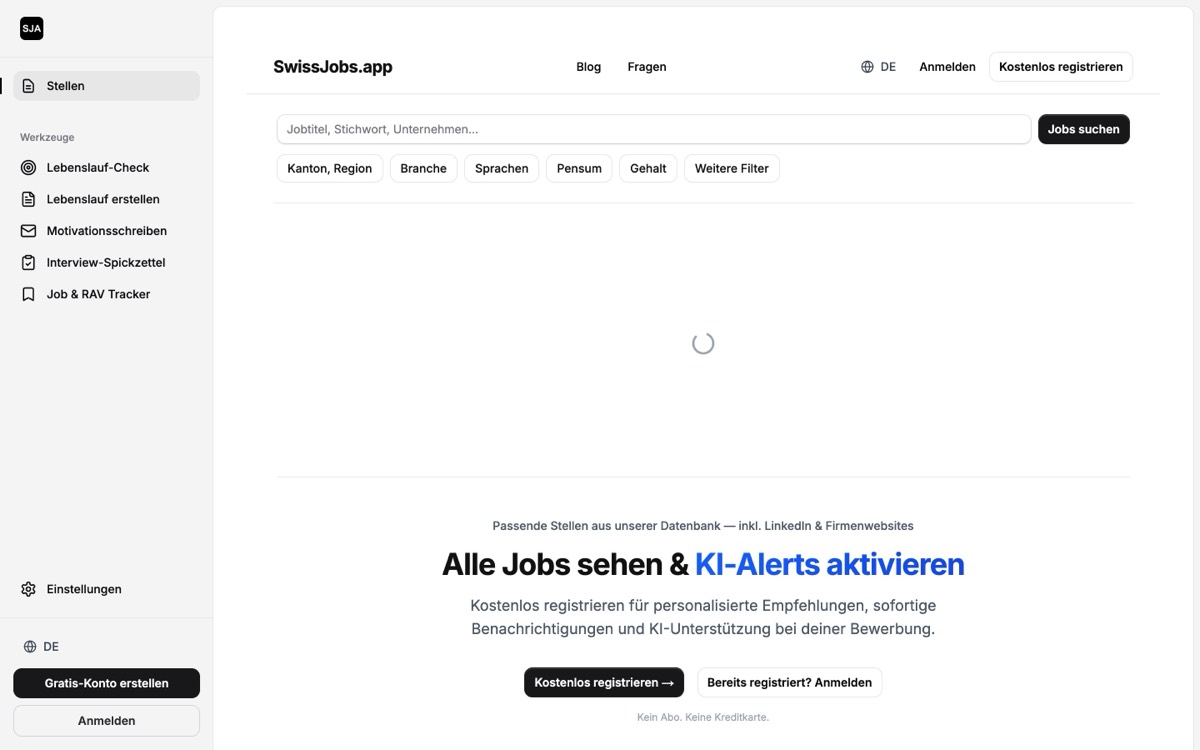
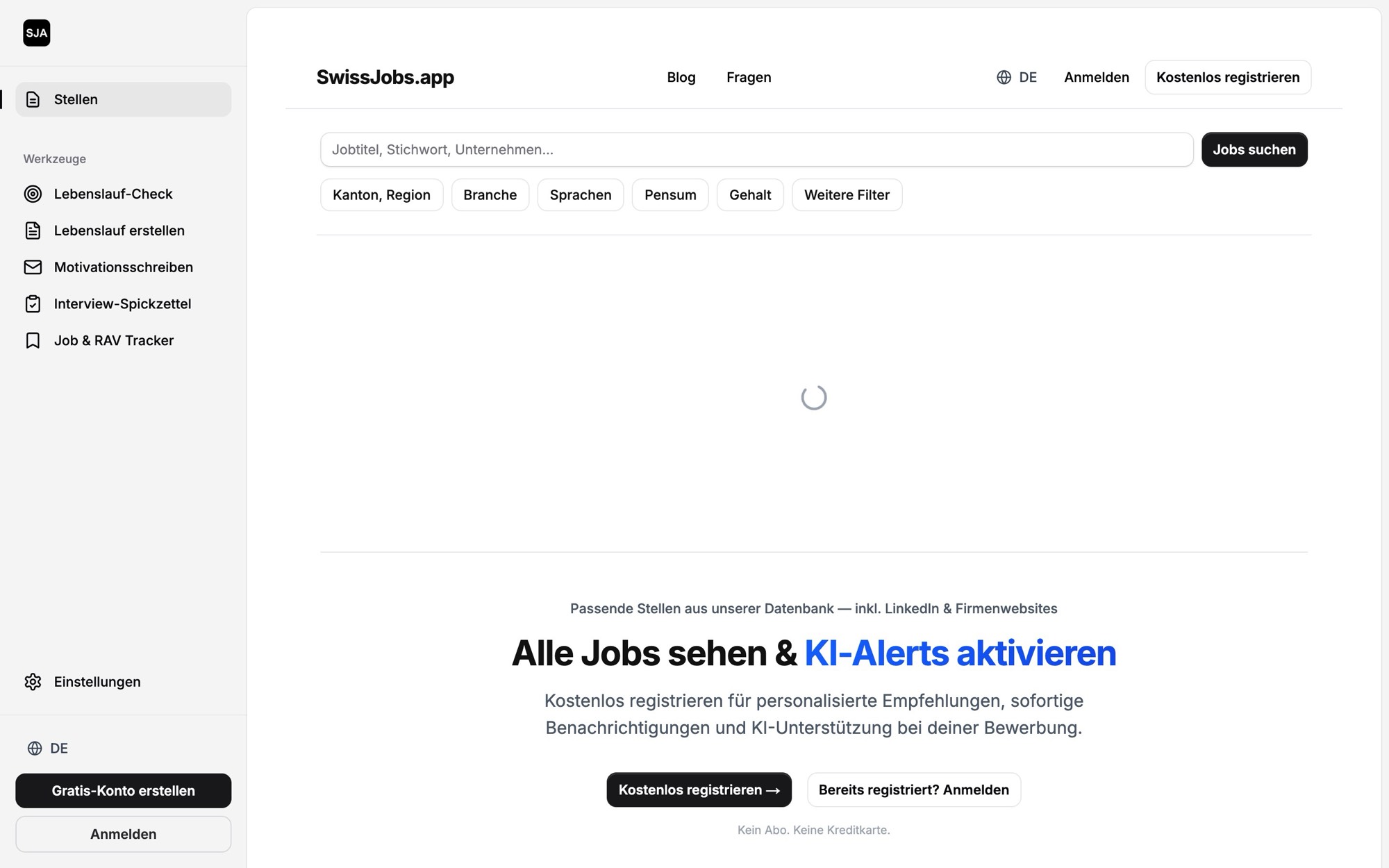
1. SwissJobs.appOur app
Over 21,000 open Swiss roles from ATS systems, company sites and LinkedIn in one place — and from any advert, straight into a CV, a motivation letter, a CV check and interview prep. The RAV job-search-efforts form fills itself from your application tracker. Free to use; the account is asked for at save.
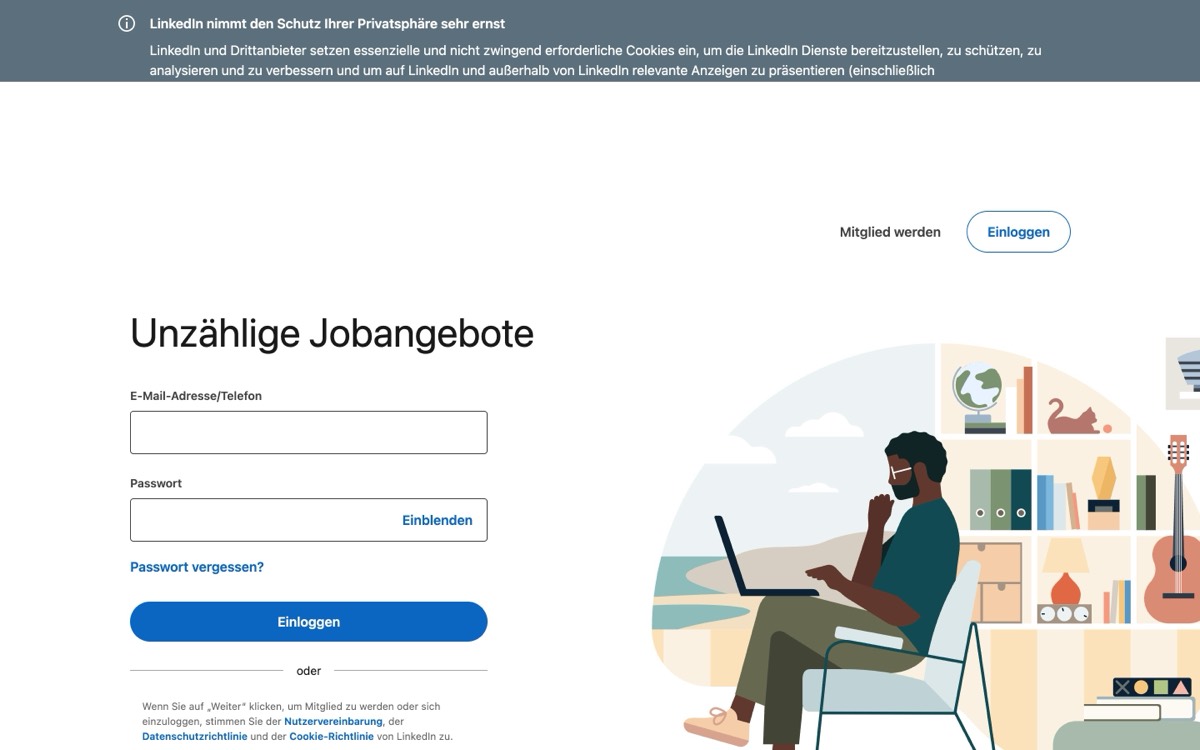
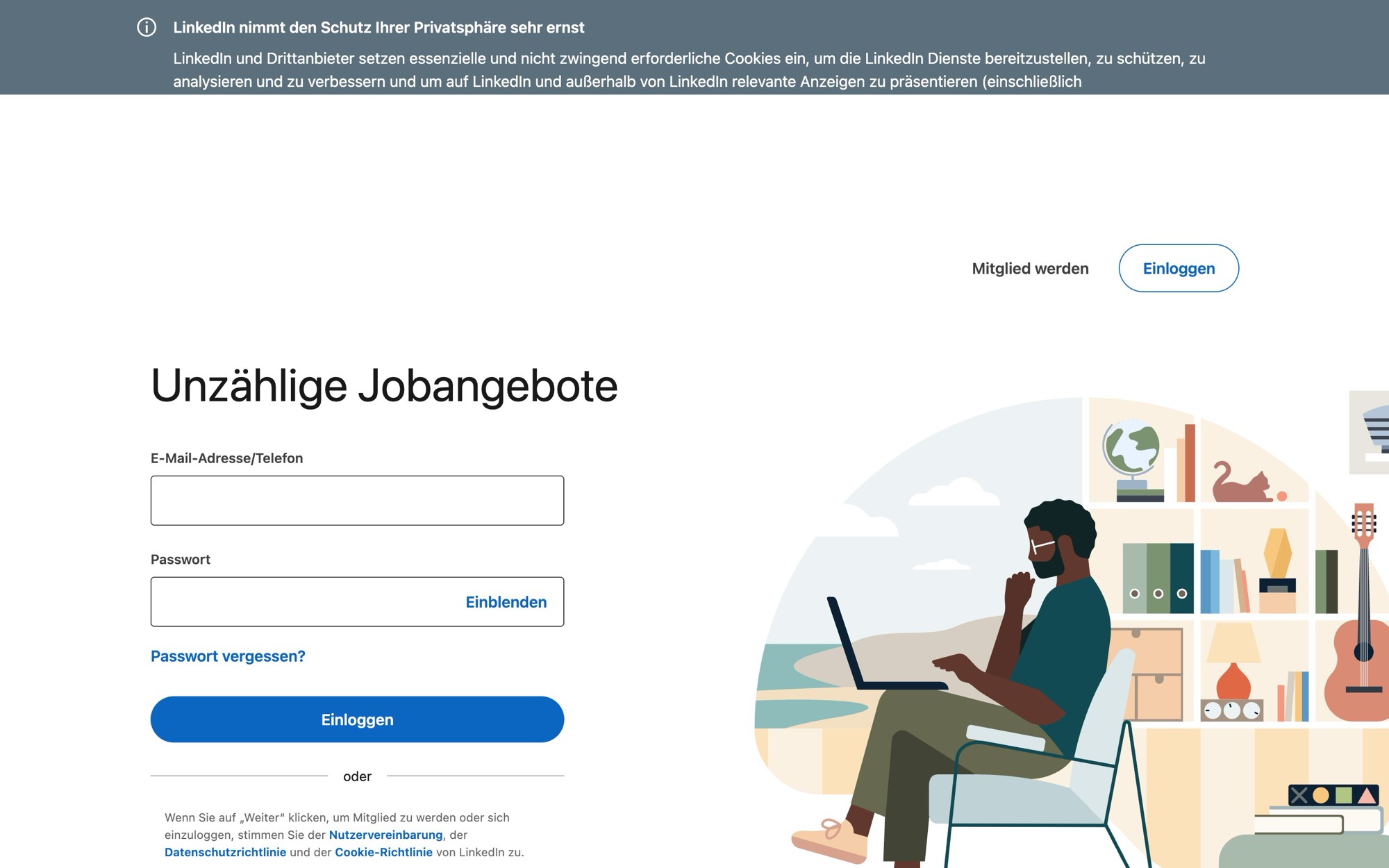
The best reputation for English-speaking and international roles in Switzerland. Considerably thinner for trades, care and commercial roles.
So "where do you apply better" is not a question about the nicer submit form. It is a question about what you hand the employer, and what stays with you afterwards. On LinkedIn an application is your profile plus an uploaded file, and once sent it is final. Here, each advert produces a dossier — CV and motivation letter written against that advert's own text, in Swiss form — and the application stays in a tracker that fills the official RAV form.
If you are moving to Switzerland or applying from abroad, one practical detail outranks all features: you cannot submit an application on LinkedIn without an account, while the adverts themselves are readable to anyone.
Counted across the adverts open on SwissJobs.app on 4 September 2026, grouped by the domain behind the apply link.
- Where applications actually go, counted across the live adverts in our index: 44.4 per cent to the employer's own website, 40.7 per cent into an applicant system, 14.9 per cent to a portal or a staffing agency.
- The destinations are extraordinarily scattered: the ten largest cover only 31.3 per cent of adverts between them, and 43.9 per cent of all destinations appear exactly once.
- LinkedIn Help, read on 4 September 2026: "You cannot edit or withdraw an application once submitted through LinkedIn. To make changes, contact the job poster via InMail."
- To apply at all: "You must be signed in to your LinkedIn account." Reading a Swiss advert needs no account; submitting does.
- Easy Apply now carries limits — a daily cap that resets "at the end of the day (UTC)", plus a temporary pause triggered by "rapidly submitting applications in a short time". LinkedIn does not publish the number itself.
- Every LinkedIn application carries more than your file: "we will include the primary email address associated with your LinkedIn account and your full LinkedIn profile".
- The same help page states you can save up to four resumes, and that answers and resumes may be used "for product improvement, including the training and improvement of generative AI models" unless you opt out in settings.
- English does not exempt you from Swiss requirements: English-language adverts are 20.5 per cent of our index, and 31.2 per cent of them still ask for German, French or Italian.
- 23.5 per cent of Swiss adverts put the workload percentage — the Pensum — in the job title itself, a field a global profile has no place for.
Applying, side by side
| Feature | SwissJobs.app | LinkedIn Jobs | |
|---|---|---|---|
| Usable without an accountLinkedIn Help: "You must be signed in to your LinkedIn account." | Search and CV editor without an account; account to save and from the second document | Adverts readable; applying requires sign-in | not stated |
| Where the application is submitted | With the employer, through the link on the advert | Easy Apply on LinkedIn, or routed to the employer | not stated |
| Editing or withdrawing after sending | Handled by the employer; the document stays yours and can be regenerated | No — "cannot edit or withdraw" | not stated |
| CV rewritten per advert | Yes — every section against the advert text | No — you bring the file | not stated |
| Advert text from the tool's own job index | Yes, over 20,000 live Swiss adverts | Adverts sit on LinkedIn, with no document generation | not stated |
| AI prompt edit of the document | Yes, in seconds | No | not stated |
| Full manual editing | Yes, every line | Profile fields, no document editor | not stated |
| Motivation letter for the same advert | Yes | As an uploaded file only, if the employer asks for one | not stated |
| Match against the advertLinkedIn: "Every job seeker can access a match summary" — it reads your profile, not an uploaded dossier. | CV check against that specific advert | Job Match — profile measured against the posting | not stated |
| Interview preparation | Yes | Premium features not visible without an account | not stated |
| Application tracker | Yes, with the advert stored per application | Status updates for applications sent through LinkedIn; those completed on the employer's site fall outside it | not stated |
| RAV job-search-efforts form (SECO ALV 716.007) | Yes, filled from the tracker | No | not stated |
| Stored CVsFigure from the English help page; the German version of the same page names no limit. | A separate version per application | Up to four | not stated |
| What travels with the application | Only the files you upload to the employer | Your full profile and your primary email address | not stated |
| Resumes used for AI training | No | Possible per the English help page; can be switched off in settings | not stated |
| Daily application limit | None; the free tier limits documents, not applications | Yes — daily cap and speed pause, number unpublished | not stated |
| Feedback that your application was openedA genuine LinkedIn advantage — no Swiss job board offers this. | No | Yes, after Easy Apply: application views and resume downloads | not stated |
| Being found without searching | No | Yes — profile, #OpenToWork, recruiter search | not stated |
| Swiss conventions in the document | Photo, permit line, CEFR levels, Pensum in per cent, two-page norm | Profile fields follow one global pattern | not stated |
| PDF and Word export without a watermark | Both, no watermark | Profile as PDF — per the help page only when the profile language is English; no Word export | not stated |
| Design variations | 54 (2 layouts x 3 fonts x 9 accent colours) | One profile layout | not stated |
| Job alerts by email | Yes | Yes | not stated |
| Interface languages | DE / EN / FR / IT, each with its own pages; documents in the interface language | Many interface languages, one global structure | not stated |
| Built in Switzerland | Yes | Global platform with a Swiss country page | not stated |
LinkedIn column from LinkedIn's own help pages, read 4 September 2026; our column from the live product the same day.
Prices side by side
| Criterion | SwissJobs.app | LinkedIn Jobs | |
|---|---|---|---|
| Job searchThe search is not part of our subscription. What is paid for is the tools that come after it. | Free — search, filters, job alerts and the application tracker cost nothing | Free for jobseekers | Free for jobseekers |
| Applying itself | Free | Free, account required | not stated |
| Monthlylinkedin.com/premium/products redirected to the sign-in page on 4 September 2026. We print no number rather than repeat a stale one. | CHF 15 — all six tools, one subscription | Premium price not readable without an account | not stated |
| Yearly | CHF 95 a year (= CHF 7.92 a month) — the same six tools | Not stated | not stated |
| Free trial | 7 days, full access, cancel any time | Not readable without an account | not stated |
| What works without paying | Search and editor without an account; free account: 5 documents a day, 10 per rolling week | Searching, applying, job alerts — within the application limits | not stated |
| Currency | CHF | Not stated | not stated |
| Billing | Monthly or yearly, cancel any time | Not stated | not stated |
Our figures from the product's price constants; LinkedIn checked 4 September 2026.
Both platforms are mostly a lobby
We grouped the adverts open in our index by the domain behind their apply link. 44.4 per cent lead to the employer's own website, 40.7 per cent into an applicant system such as Workday, SmartRecruiters or the Swiss provider Prospective, and 14.9 per cent to a portal or a staffing agency.
The split matters less than the scatter. The ten most common destinations together account for only 31.3 per cent of adverts, and 43.9 per cent of all destinations appear exactly once. Twenty applications in Switzerland means filling in close to twenty different forms, frequently with a fresh account per employer. That is the real work of applying, and neither platform removes it.
LinkedIn states this plainly: "Depending on the employer's settings, you'll see an Easy Apply or Apply button", and with the second "you'll be routed to that company's website or job board to continue the application process". What decides the outcome is therefore not where the button sits, but which file you upload once it hands you on.
What LinkedIn fixes the moment you submit
Three sentences in LinkedIn's help carry more weight than any feature list. First, the account: "You must be signed in to your LinkedIn account." Adverts are public; submitting is not.
Second, finality: "You cannot edit or withdraw an application once submitted through LinkedIn. To make changes, contact the job poster via InMail." Attach the wrong file and your only remedy is a message.
Third, scope. The same help page states that alongside what you attach, "we will include the primary email address associated with your LinkedIn account and your full LinkedIn profile". It also says you can save up to four resumes, and that your answers and resumes may be used "for product improvement, including the training and improvement of generative AI models" unless you opt out. None of that is hidden — it is simply on a page most applicants never open.
Easy Apply now has limits, and they change the strategy
About a year ago LinkedIn introduced caps on Easy Apply. There is a daily limit that resets "at the end of the day (UTC)", and a second brake on speed: "Rapidly submitting applications in a short time triggers a temporary pause on Easy Apply." Accounts flagged for what LinkedIn calls inauthentic behaviour can have the daily limit lowered further.
LinkedIn does not publish the number, and says most members rarely reach it. The direction is what counts: the advantage of clicking fast is being deliberately removed, and LinkedIn's own advice is to "tailor your resume and LinkedIn profile" to each posting. That tailoring is the work no submit form does for you — and it is exactly the step that starts from the advert here, instead of happening by hand afterwards.
If you are registered with an RAV, note the interaction: a platform's daily cap does not change how many applications your canton expects for the control period.
The Swiss dossier a global profile has no fields for
A LinkedIn profile has the same shape everywhere on earth. A Swiss application expects four things that shape has no slot for: the Pensum as a percentage, the permit line if you are not Swiss, the Arbeitszeugnisse (the written references Swiss employers issue on leaving), and language levels stated as CEFR grades — B2, C1 — rather than "fluent".
These are conditions, not style points. In our index 23.5 per cent of adverts carry the workload percentage in the title itself; "80 – 100%" is the requirement, not a footnote. Of the adverts that state language requirements at all — 67.3 per cent do — 66.9 per cent ask for German, 44.7 per cent for English, 22.5 per cent for French and 3.8 per cent for Italian.
If you are relocating, this is where the LinkedIn route quietly misleads: English-language adverts make up 20.5 per cent of the index, which looks like an open door, and 31.2 per cent of them still require a national language. A profile written for a US resume market says nothing about your permit status or your German, and both are among the first things a Swiss recruiter looks for.
Where LinkedIn is plainly better
The other direction. On LinkedIn you can be found without searching — the profile, #OpenToWork, recruiters running searches. A job board cannot do that, and neither can we.
A second advantage deserves saying plainly: After an Easy Apply submission LinkedIn tells you when the job poster viewed your application or downloaded your resume. The help page fairly warns that a view "doesn't guarantee that you'll receive a message, interview, or job offer" — but it is more than the silence around an ordinary application.
And for roles advertised in English, filled internationally, or sitting in the corporate belt of Zug, Geneva, Zurich and Basel, LinkedIn is simply where the people are. It is also the only discreet option if you are looking while employed.
One limitation belongs here too, and it bites hardest in this country: saving your profile as a PDF works, per LinkedIn's help page, only when the profile language is set to English — "Profiles must be in English". Keep your profile in German, French or Italian and even that emergency exit to a document is closed.
If you are registered with an RAV
One rule sits above both platforms: your job-search efforts have to be proven to the RAV for every control period, by the fifth day of the following month, as the unemployment insurance ordinance sets out. Job-Room and the cantonal form are the official channel, and no app replaces them.
We are a convenience layer on top of that, never a substitute. Applications you mark as applied fill the official SECO form line by line — date, employer, contact, job title — in German, French or Italian; past fourteen entries a second sheet is generated automatically. Your name, AHV number and signature end up only in the generated PDF.
LinkedIn keeps its own record of applications sent through the platform and notifies you of their status, but none of that can be exported into the official form, so anyone using both routes copies the LinkedIn ones across by hand. If in doubt, ask your RAV adviser what your canton accepts as proof.
Who should apply where
LinkedIn if your field is international, if you work in English, if you would rather be found than search, if you are looking discreetly — or if knowing whether anyone opened your application matters to you.
SwissJobs.app if your application has to be a Swiss dossier: Pensum, permit line, CEFR levels, a motivation letter for the specific advert, PDF or Word without a watermark — and if you have to prove to an RAV what you did. The route starts at the job, not at the template: pick the advert, generate the dossier, submit it with the employer, keep the application in the tracker.
For most people arriving in Switzerland the honest answer is both, with a clear division of labour: the profile keeps you visible, the dossier wins the job.
LinkedIn statements read without an account on 4 September 2026 from the help pages "Apply for jobs on LinkedIn", "Apply to jobs directly on LinkedIn", "Easy Apply limits", "How LinkedIn uses your job application information" and "What to expect after you apply for a job", in English and in German; where the two language versions differ, the text says so. LinkedIn's Premium pricing page redirected to the sign-in screen that day, which is why no price is quoted for it. Our own figures are shares of the adverts open on SwissJobs.app on 4 September 2026: the destination is derived from the domain behind each advert's apply link, language requirements are counted once per advert rather than per mention, and the advert language is detected automatically. Only shares are published, never absolute counts.
Search Swiss jobs and build a dossier per advert
Jobs by profession, city or language
Type a profession, a city or a language, the page shows the adverts currently open for it.
By profession
- Consultant
- Project Manager
- Retail Sales
- Nurse
- Nursing & Care
- Administrative Assistant
- Account Manager
- Software Engineer
- Public Administration
- Architect
- Insurance
- Chef
71 more — narrow the search
By work type
Sources
- LinkedIn Help — Apply for jobs on LinkedIn ("cannot edit or withdraw an application")
- LinkedIn Help — Apply to jobs directly on LinkedIn (Easy Apply, saved application data)
- LinkedIn Help — Easy Apply limits (daily cap and speed pause)
- LinkedIn Help — How LinkedIn uses your job application information (up to 4 resumes, AI training)
- LinkedIn Help — What to expect after you apply for a job (views and resume downloads)
- LinkedIn Help — Save a profile as a PDF ("Profiles must be in English")
- Fedlex — AVIV Art. 26: proof of job-search efforts by the fifth day of the following month
- arbeit.swiss (SECO) — Tips on applying for jobs: the application file and the CV
- Job-Room — the public employment service portal
Related questions
What our job index says about the Swiss market
Computed live from our own index, not quoted from a study. Shares only, as of today.
Language the advert is written in
- Deutsch
- 60%
- English
- 23%
- Français
- 13%
- Italiano
- 3%
Of adverts that state a language requirement, the share asking for
- Deutsch
- 70%
- English
- 43%
- Français
- 21%
- Italiano
- 3%
19% posted in the last 7 days · Largest markets: Zürich 18% · Bern 10% · Genève 5% · Basel 5%